Situation
The user tries to connect with his web browser in RemoteApp
The user tries to connect with a TSplus connection client
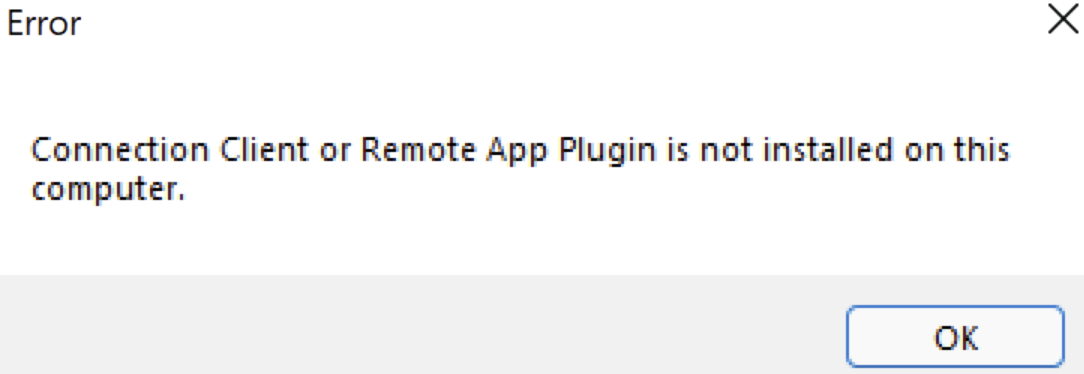
and they get the following error message in a pop up:
Solution
1
On server side go to :
C:\Program Files (x86)\TSplus\Clients\www\ConnectionClient
Then retrieve this file and copy it on the user's workstation :
Setup-ConnectionClient.exe
Then install it on the user's workstation, for "all users".
Then try again.
If it still doesn't work, install it again for "only for my user".
2
If it still doesn't work, on server side go to :
C:\Program Files (x86)\TSplus\Clients\www\RemoteAppClient
Then retrieve this file and copy it on the user's workstation :
Setup-RemoteAppClient.exe
Then install it on the user's workstation, for "all users".
Then try again.
If it still doesn't work, install it again for "only for my user".
Uninstall
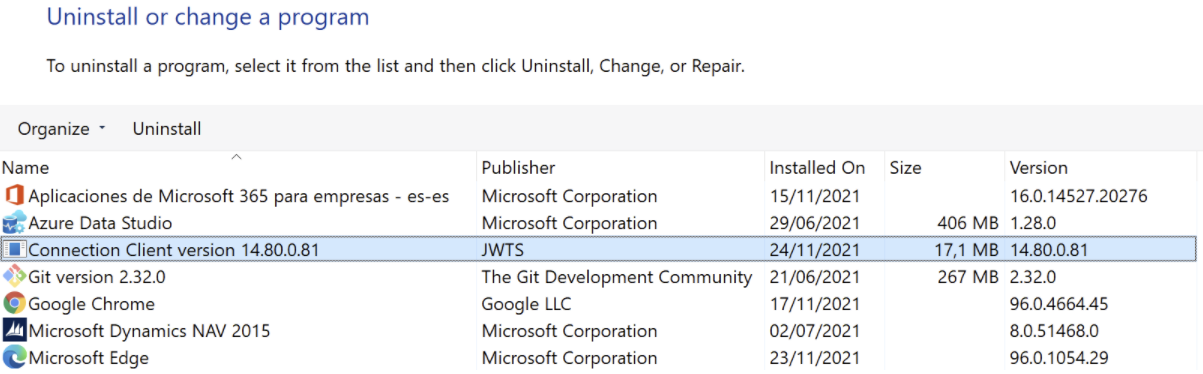
You can UN-install the ConnectionClient plugin from the Windows Control Panel:
Control Panel\Programs\Programs and Features