
In order to be able to display the list of users from another domain, you need to login to your second domain using an administrator account of this domain on your TSplus server.
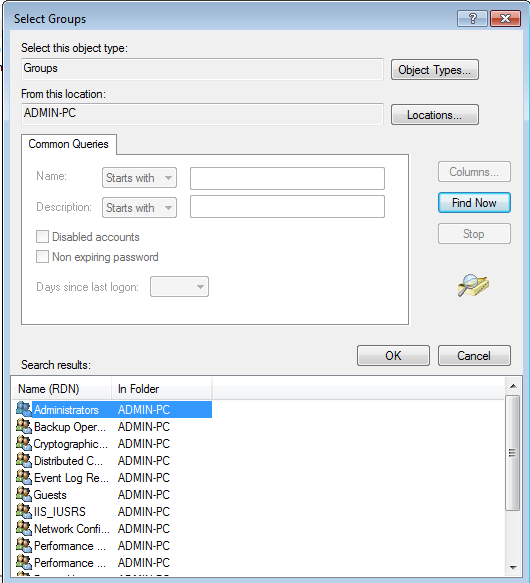
If you cannot do this for security reason, you can edit with notepad the AppControl.ini file located in the "C:\Program Files (x86)\TSplus\UserDesktop",
and edit the application field like in the example below, where I am assigning the full remote desktop application to local user "administrator" and domain user from TSPLUS.DOM to "a" :
[App1]
appname=Microsoft Remote Desktop
path=
startup=
cmdline=
groups=
users=admin-PC\Administrator;TSPLUS.DOM\a
maximized=no
minimized=no
hide=no
all_users=no
folder=
